

Interfaces
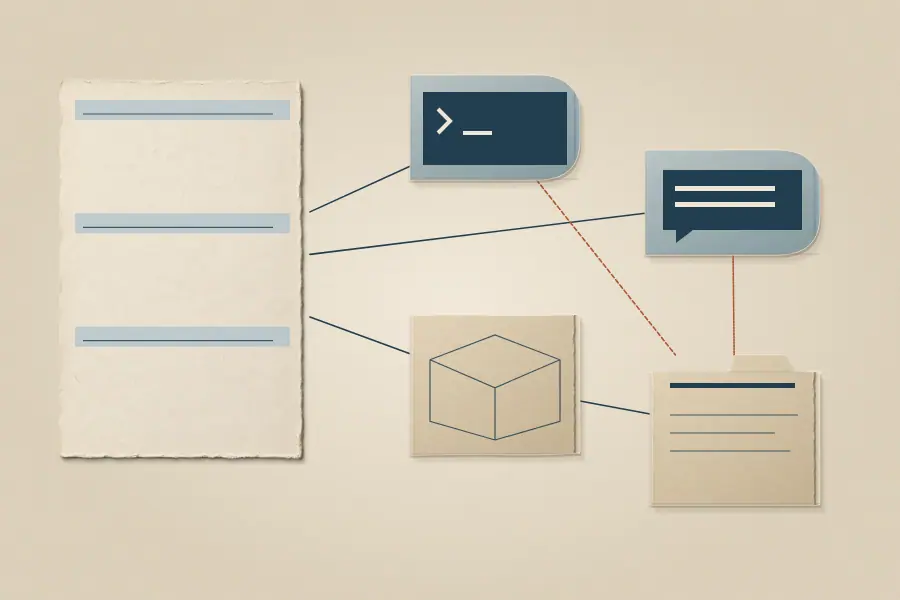
MCP, the CLI, and the REST API expose the same Neotoma record to different kinds of clients.
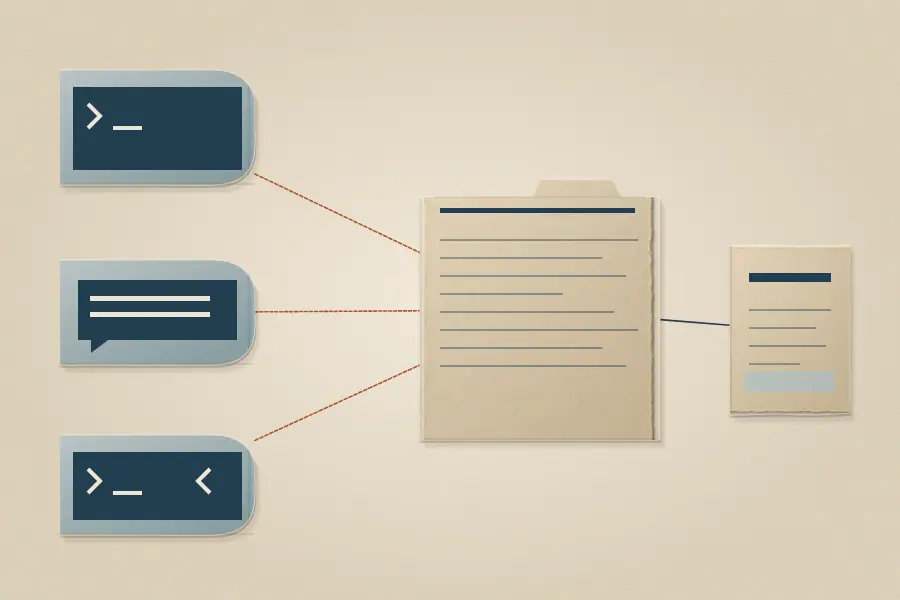
Choose by client
| Client | Start with | Why |
|---|---|---|
| An AI host with MCP support | MCP | The host can call Neotoma tools after its server connection is configured. |
| A terminal workflow | CLI | Commands let a person or script inspect and manage the local instance. |
| An application or service | REST API | HTTP clients use the documented request and response contract. |
The integration matrix records the current host paths. A host having an MCP client does not by itself mean Neotoma's setup command writes that host's configuration. Use the install chooser to distinguish supported setup commands, native plugins, and manual configuration.
Common tasks
- Find and read a record starts with an ID, identifier, or type and checks an empty result.
- Store and correct a record checks declared fields and reads the resulting value back.
- Inspect a change compares the current field with its observations.
One record, several entrances
The interface changes how a request reaches Neotoma; it does not turn each tool into a separate store of truth. After a write, retrieve the entity and check the field you intended to change. A success response alone does not prove the resulting value is present.
For the underlying model, continue to How the record works.
Related topics
 CLIChoose a terminal command, then verify the resulting record.
 MCPConnect a configured AI host to the same record.
 Find and read a recordSearch by type or identifier and verify an empty result.
 Store and correct a recordUse declared fields, then read the value and history back.
 REST APIUse the documented HTTP contract from an application.
 Integrations matrixCheck the current setup path for a specific host.
 InstallChoose a supported setup path