

REST API
Use Neotoma's HTTP API when an application needs a structured request and response contract for the record.
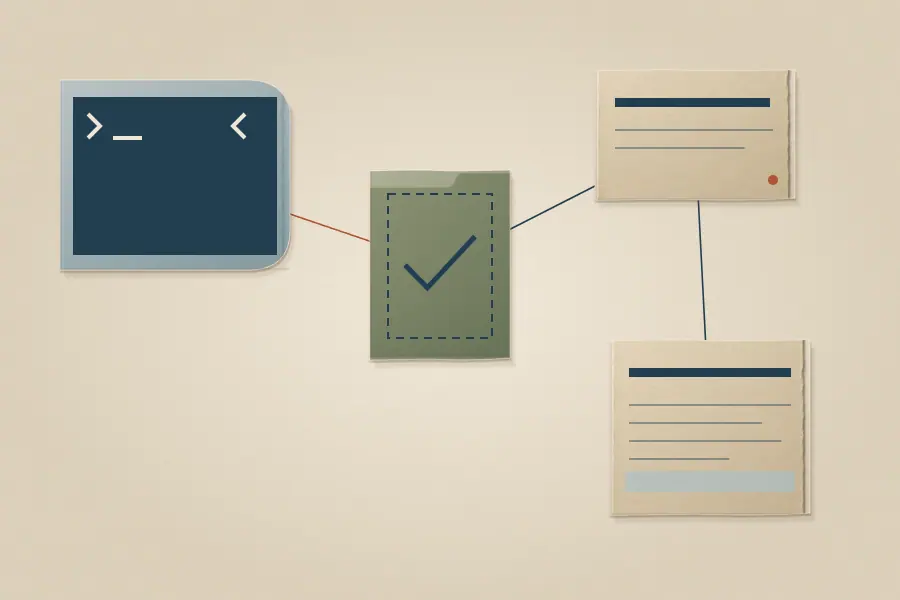
Check the target first
A local development API and a local production API can have different ports and data directories. A hosted API has its own URL and access policy. Check the intended base URL and authentication before making a write. GET /health can show that a process responds, but it does not establish that its data profile is the one you meant to use. A read of an entity known to be present is a stronger target check; an empty new profile needs a later read-back of the first user-authorized write.
The server exposes GET /openapi.yaml for the route contract. The complete REST reference explains base URLs, authentication, error envelopes, pagination, OAuth discovery, and utility endpoints. Most record routes require a credential; do not treat a public health or discovery response as proof that a protected call will work.
Common record operations
| Purpose | HTTP operation | What to verify |
|---|---|---|
| Store structured entities | POST /store |
The returned entity IDs and intended snapshot fields |
| Find entities by filters | POST /entities/query |
Query scope, type, pagination, and a known positive result |
| Inspect a current entity | POST /get_entity_snapshot |
Field values and provenance |
| Correct a field | POST /correct |
New snapshot and observation history |
These names describe entrances, not complete request bodies. Use OpenAPI for required parameters and response shapes, especially when crossing between versions. The CLI reference also documents neotoma request --operation, which calls operations by their OpenAPI IDs without constructing an ad hoc HTTP request.
Keep the effect in view
Store, correction, and search calls may return a valid response while the question you intended to answer remains unresolved. Check the entity type and declared fields, compare the returned ID with the entity you expected, then retrieve the current snapshot. For a no-result search, repeat a known-positive query against the same instance and user scope before concluding the data is absent. Find and read a record and Store and correct a record give those workflows without tying them to one client library.
 MCP
MCP CLI
CLI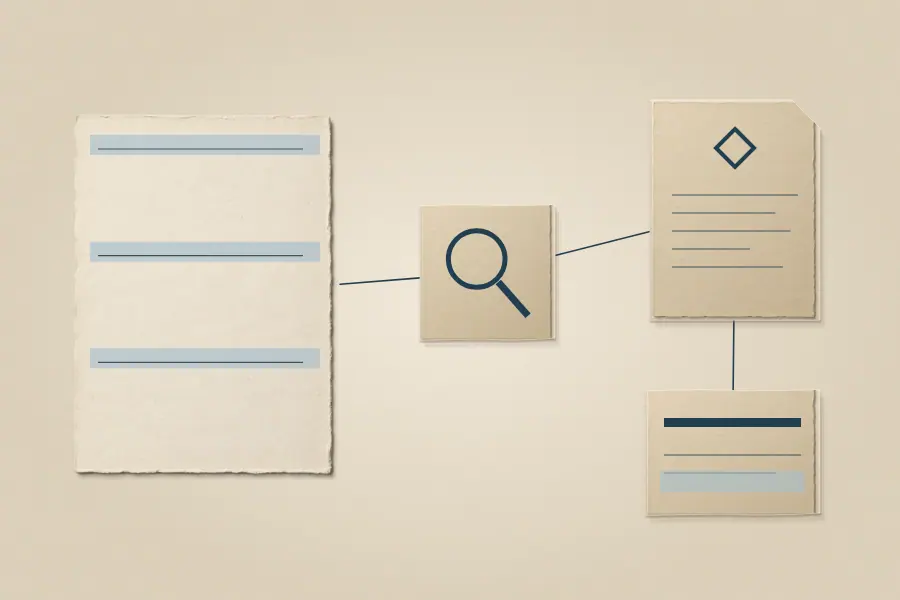 Find and read a record