

Store and correct a record
Write a declared field to the intended entity, then read back both its current value and the observation that produced it.
Before a structured write
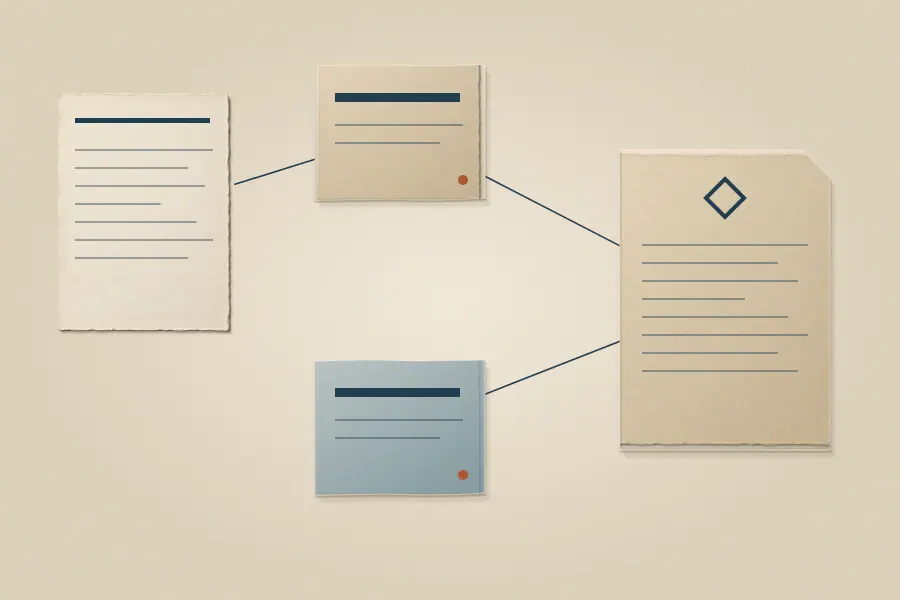
Find the existing entity, if one may already exist, and inspect its active schema. Use the entity type and top-level fields the schema declares. store accepts structured entities through MCP, the CLI, or HTTP. The CLI accepts --entities for JSON or --file for a JSON file; the full CLI reference gives options and provenance flags. The OpenAPI contract gives the HTTP request shape.
If the fact came from a file, retain the source and record the interpretation path when appropriate. A direct fact given in a conversation or by an application need not pretend that it came from a separate document. Choose an observation source that describes the kind of write, and retain a useful data origin where the contract supports it.
Check the result
Keep the returned entity ID. Retrieve its current snapshot and assert the exact field and value you meant to write. If the field is missing, inspect the schema and the observation's raw fragments. An accepted request can preserve an undeclared field without projecting it into the entity snapshot. Do not repeat a write with a new identity or idempotency key until you know whether the first one landed.
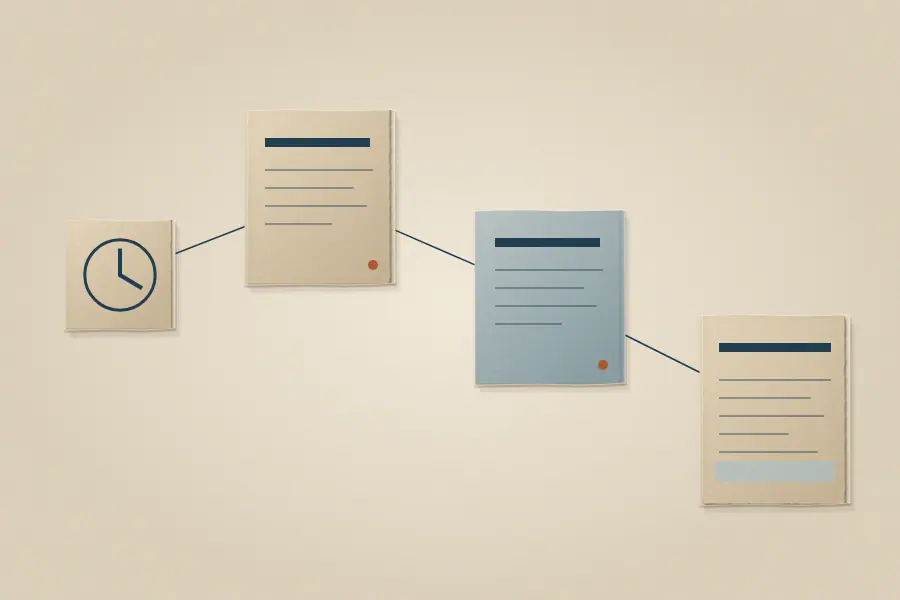
For a correction, read the current value and its observation history before changing it. The ordinary correction action creates a new observation and recomputes the snapshot; it does not edit the earlier observation or source. Afterward, read the snapshot again and compare field provenance and history. If the intended value is still not current, inspect the field's merge policy rather than assuming the latest request must win.
Keep versions distinct
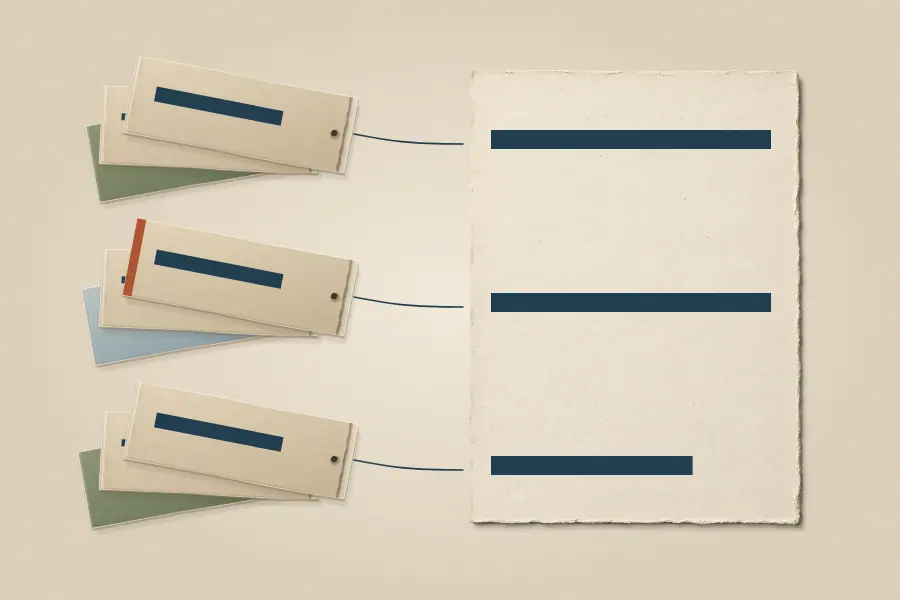
Version 0.26.0 includes conditional correction options and a bounded atomic transaction operation. Earlier installations can lack them. Follow the installed CLI help or that instance's OpenAPI description. Schemas and field rules explains why a field appears in the current view. Inspect a change explains how to audit a correction.
 Find and read a record
 Inspect a change
 Schemas and field rules